Collecting reviews is one of the smartest ways to build trust and get repeated sales. After all, over 90% of shoppers read reviews before buying from an online store.
Email has long been the best method for requesting reviews and has proven to be most effective for ecommerce brands. But now, SMS review requests are becoming a faster, more personal, and highly effective option for Wix merchants. Let’s take a closer look at how SMS works on Wix and the benefits it offers.
Why SMS Works for Collecting Reviews
SMS is one of the most direct ways to reach customers - especially now since people are receiving a lot of spam emails that get lost in their inboxes. SMS fits naturally into the shopping experience for customers who browse and buy on their phones.
Key SMS stats:
- 98% open rate , compared to much lower rates for email
- 60% of consumers read texts within five minutes
What makes SMS stand out is how personal it feels. Unlike emails that can feel like mass marketing, a text comes across as a friendly, direct message. This personal touch drives higher response rates and helps you gather more authentic reviews.
Using SMS Review Requests with Fera
Fera makes it simple for Wix merchants to leverage SMS for reviews:
Pay only for results - You’re charged $5 per review only when a customer leaves a star rating or text review.
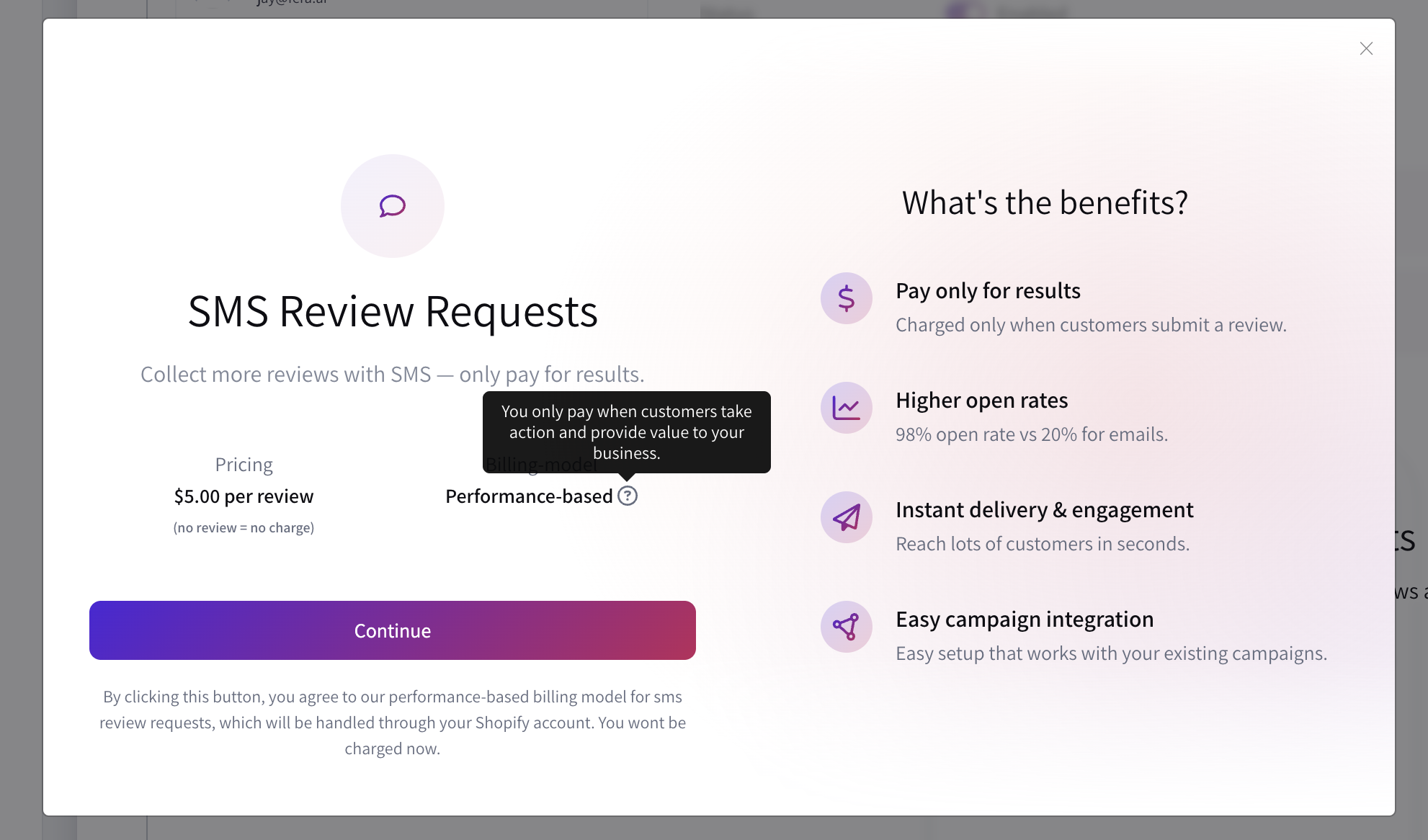
Automate follow-ups - You can reach customers who didn’t respond to your initial email review requests.
Consistent, cost-effective strategy - You can stay in control of the maximum budget on a monthly basis.
Fera’s SMS feature turns review collection into a seamless, automated process that works around the clock for your store.
How to Send SMS Review Requests on Wix
Before sending SMS review requests, make sure your store collects customer phone numbers at checkout. This is essential for syncing contacts with Fera and sending messages.
Once you have phone numbers, you can set up SMS review requests:
Enable SMS Requests - Activate SMS review requests in your Fera campaign settings.
Set Pricing and Limits - You can also define a monthly limit to stay within your budget.
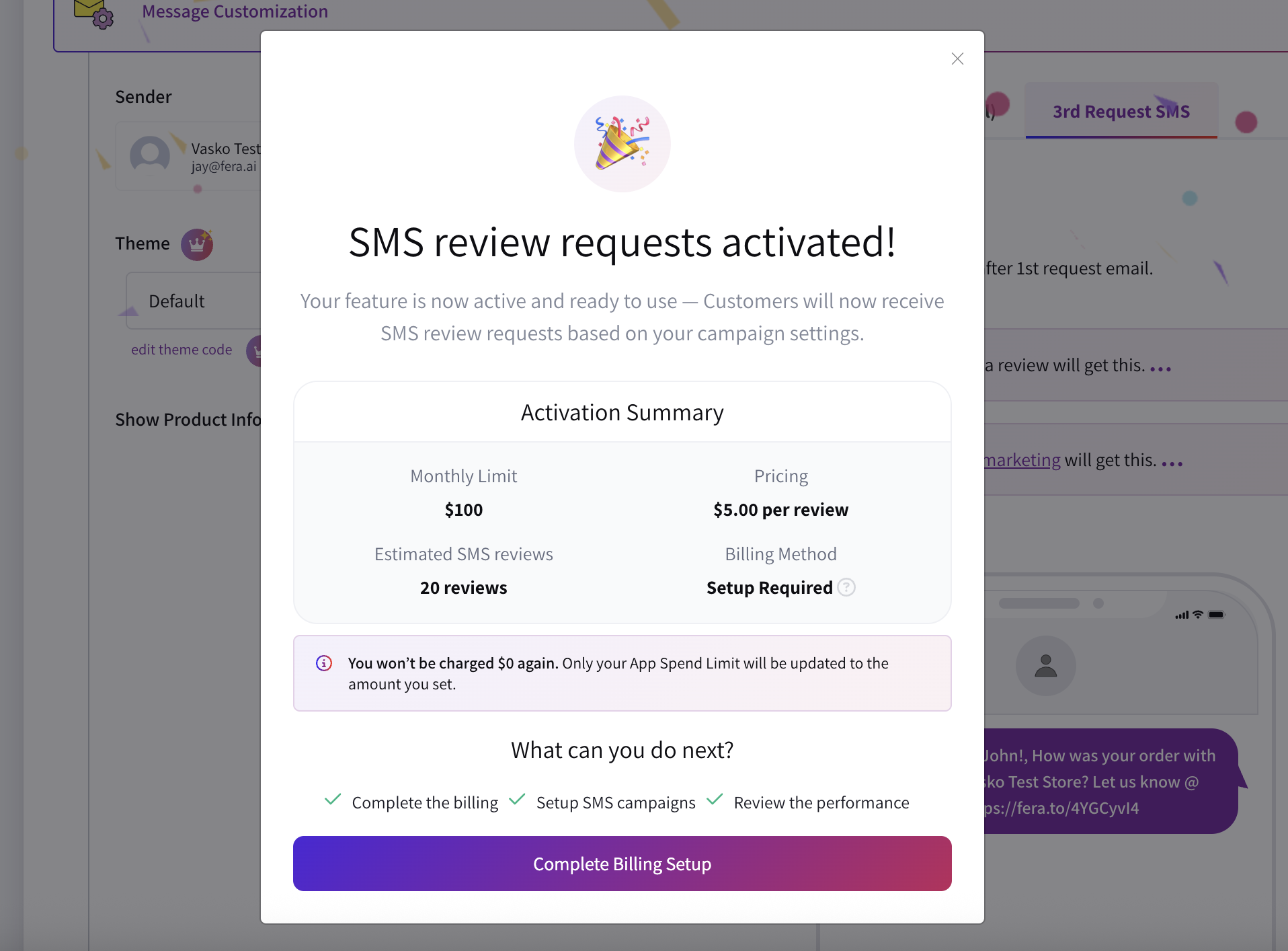
Customize Your Messages - Personalize your texts and schedule when they’re sent for maximum impact.
For a full step-by-step setup, check out Fera’s help article.
When to Send SMS Review Requests
Timing is everything - if you send a request too early, the customer might not get a chance to see the product, but if you send it too late the interest may have faded.
Effective moments include:
- A few days after the order is delivered
- After customers have tried the product
- Following repeat purchases or reorders
- After positive interactions with your support team
The right timing encourages meaningful feedback and increases the chances of receiving reviews.
To learn more about SMS marketing best practices, check out our blog.
Final Thoughts
With Fera, you can start automatically collecting customer reviews today and build a review strategy that drive trust, sales and long-term sustainable growth. Turn your happy customers into powerful social proof. Start your free trial today.